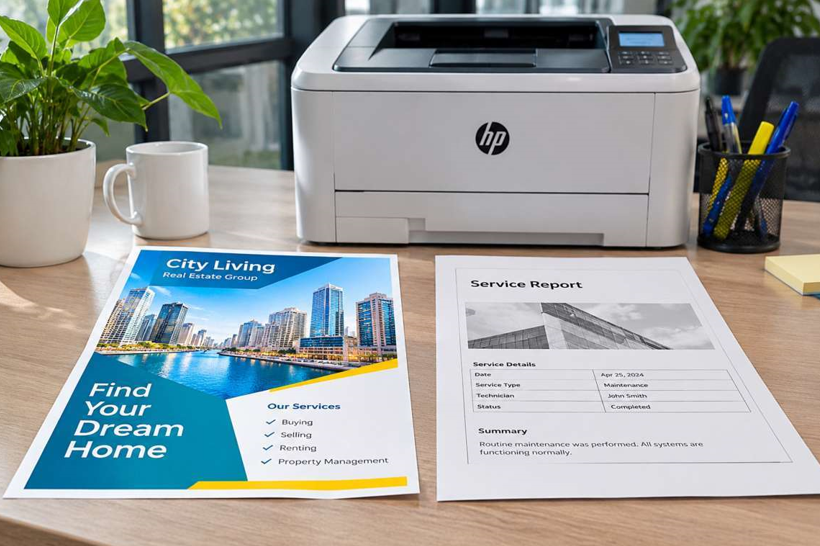
You’ve decided on an HP LaserJet. Good choice. Then comes the next question. Colour or black and white?
It sounds simple. But the answer affects what you spend on the printer, on toner and on everyday running costs. Pick wrong and you either pay for colour you never use, or you can’t print the one brochure a client asked for. Let’s sort it out.
What Is a Monochrome LaserJet?
A monochrome printer prints in black and white only. It uses a single toner cartridge. That keeps things simple. It also keeps costs down.
What you get:
- A lower purchase price
- Cheaper toner
- Fast, sharp text
- Fewer parts, so fewer things to replace
What you give up:
- No colour at all, not even a coloured logo
What Is a Color LaserJet?
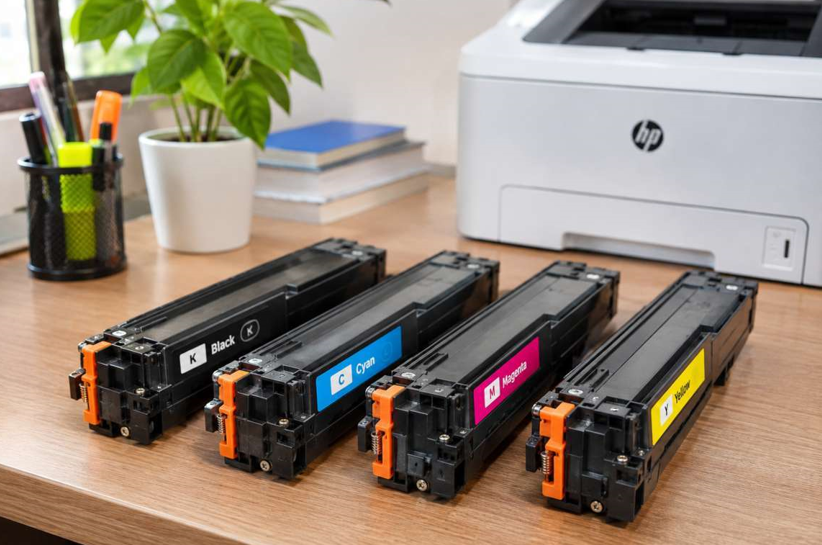
A Color LaserJet prints in full colour. It uses four toner cartridges: black, cyan, magenta and yellow. Each one runs out at its own pace.
What you get:
- Colour charts, brochures and proposals
- Professional-looking marketing material
- Branded documents with your logo in colour
What you give up:
- A higher purchase price
- Four cartridges to buy and replace
- A higher cost for each colour page
Side by Side
| Factor | Monochrome | Color |
| Purchase price | Lower | Higher |
| Toner | One cartridge | Four cartridges |
| Cost per page | Lower | Higher |
| Best for | Invoices, contracts, forms, letters | Proposals, brochures, charts, presentations |
| Size | Usually smaller | Usually larger |
| Upkeep | Simpler | More parts to look after |
Who Should Choose Monochrome?
Go mono if most of your printing looks like this:
- Invoices and receipts
- Contracts and legal documents
- Internal reports and memos
- Forms and checklists
- Letters and statements
Most small offices print far more text than colour. If that sounds like you, a mono LaserJet saves money from day one.
Who Should Choose Colour?
Go colour if you regularly print:
- Client proposals and presentations
- Marketing flyers and brochures
- Charts and graphs where colour matters
- Branded materials
- Training handouts with images
If clients see your printed pages, colour can make a better first impression. And if you’d otherwise pay a print shop each time, a colour printer may pay for itself.
Think About Running Costs
This is where people get caught. The price of the printer is only the start. Toner is the real cost over the years.
A colour printer needs four cartridges, and the coloured ones often cost more than black. Before you buy, check the price of color and black HP laser toner for your exact model. Check how many pages each cartridge prints, too. A cheaper printer with expensive toner can cost more in the long run.
Also remember that colour printers use colour toner even for some black-looking pages, depending on settings. Set black and white as the default to avoid waste.
A Smart Middle Path
You don’t have to pick one for everything. Many businesses do this:
- A mono LaserJet for everyday documents
- A colour LaserJet shared by the team for the occasional colour job
This keeps your daily costs low and still gives you colour when you need it. It’s also handy as a backup if one printer is down.
Reliability and Service
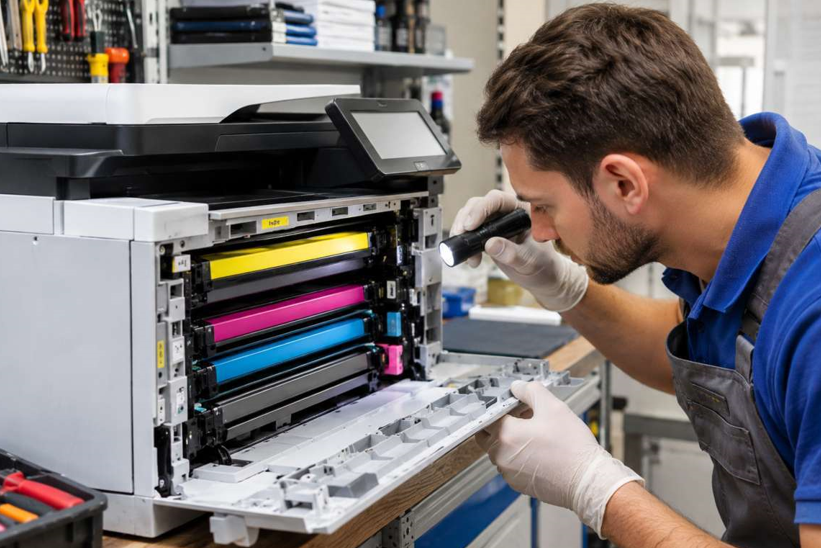
A colour printer has more parts inside, so it needs a bit more care. Whichever you choose, plan for support. If your printer starts jamming, printing streaks or showing errors, reliable HP laser printer servicing in Dubai can find the fault early and keep downtime short. For a business, quick repairs matter more than a few dirhams saved on the machine.
Quick Decision Guide
Answer these four questions:
- Do clients see most of your printed pages? If yes, lean colour.
- Do you print mostly text? If yes, go mono.
- Is your budget tight? Mono usually wins.
- Do you print colour only now and then? Consider mono plus an occasional outside print, or a shared colour printer.
Model ranges change, so check current options and confirm specs with your supplier.
Mistakes to Avoid
- Buying colour “just in case”
- Ignoring toner costs
- Leaving colour as the default setting
- Choosing a printer too small for your workload
- Skipping a check of local toner supply
- Opening the printer without training
Tips for Either Type
- Set duplex and black and white as defaults
- Use draft mode for internal pages
- Keep spare toner sealed in a cool, dry place
- Print a few pages every week
- Keep the printer clean and dust-free
- Match cartridges to your exact model
When Should You Get Extra Help?
Ask a technician if:
- Colours look wrong or patchy
- Streaks stay after a new cartridge
- Paper jams keep returning
- You hear grinding or clicking
- The printer shows errors that won’t clear
Please don’t open the printer yourself. The fuser inside gets very hot, and small parts break easily.
Final Thoughts
There’s no universal winner. Monochrome is cheaper and simpler, and it suits text-heavy offices. Colour costs more but gives you marketing power. Look at what you actually print, check toner costs, and be honest about how often you need colour. Choose that way and you’ll save money and get the right tool for your business.
